Loading

Notebook

Smushit
MODX extra

A MODX extra for optimising images which compresses PNG and JPEG images for better performance using the resmush.it API.

MODX Smushit

What does it do?

This snippet optimises and compresses PNG and JPEG images for better performance using the resmush.it optimisation API.

This will help with Google Page Speed and can reduce image sizes by up to 70% and works best on alpha transparent PNGs but it also makes some reductions on JPEG images too.  This will overwrite any existing images so is intended to be used as an output filter after pthumb or similar.
I'm a passionate and confident UX/UI Designer & Developer with 25 years of experience delivering high-quality, end-to-end, user-focused digital experiences.

Let's take a look at some examples

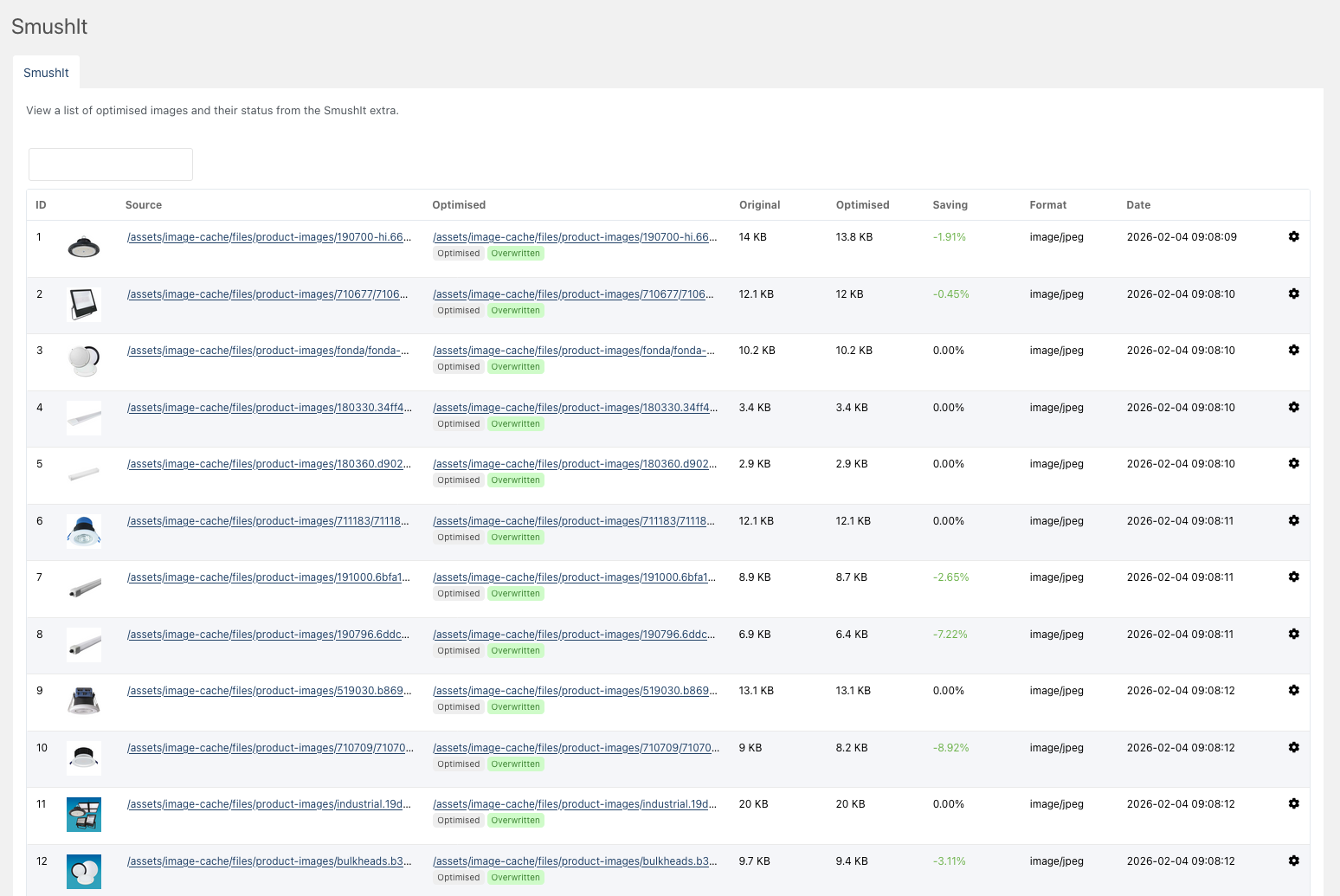
Here are some examples of MODX SmushIt in action and the savings made on various image formats and sizes.


Unoptimised calendar image
Unoptimised JPEG 500×500 86.3 kB
Optimised calendar image
Optimised JPEG 500×500 80.0 kB

Unoptimised screenshot image
Unoptimised PNG 1000×1000 693.3 kB
Optimised screenshot image
Optimised PNG 1000×1000 226.6 kB
How to use it

SmushIt Snippet

This snippet expects to be used as an output filter so could be used after you have resized the image using pthumb, phpthumbsup or similar. You could also use this on it's own if you simply wanted to optimise the image.

This will use pthumb to resize the image and then smush it to optimise the file. The thumbnail image is overwritten once and from then on is optimised. This affects first uncached performance so you should review if this is worthwhile. After caching it runs fine and then helps the page load speed by using the new files.

[[*MyImage:pthumb=`&w=300&h=300`:smushit]]

As this is a first release, please use caution when using on a production site. 

Ready to give it a try? Download MODX Smushit.